My NAS setup
Written the 6th of August 2026
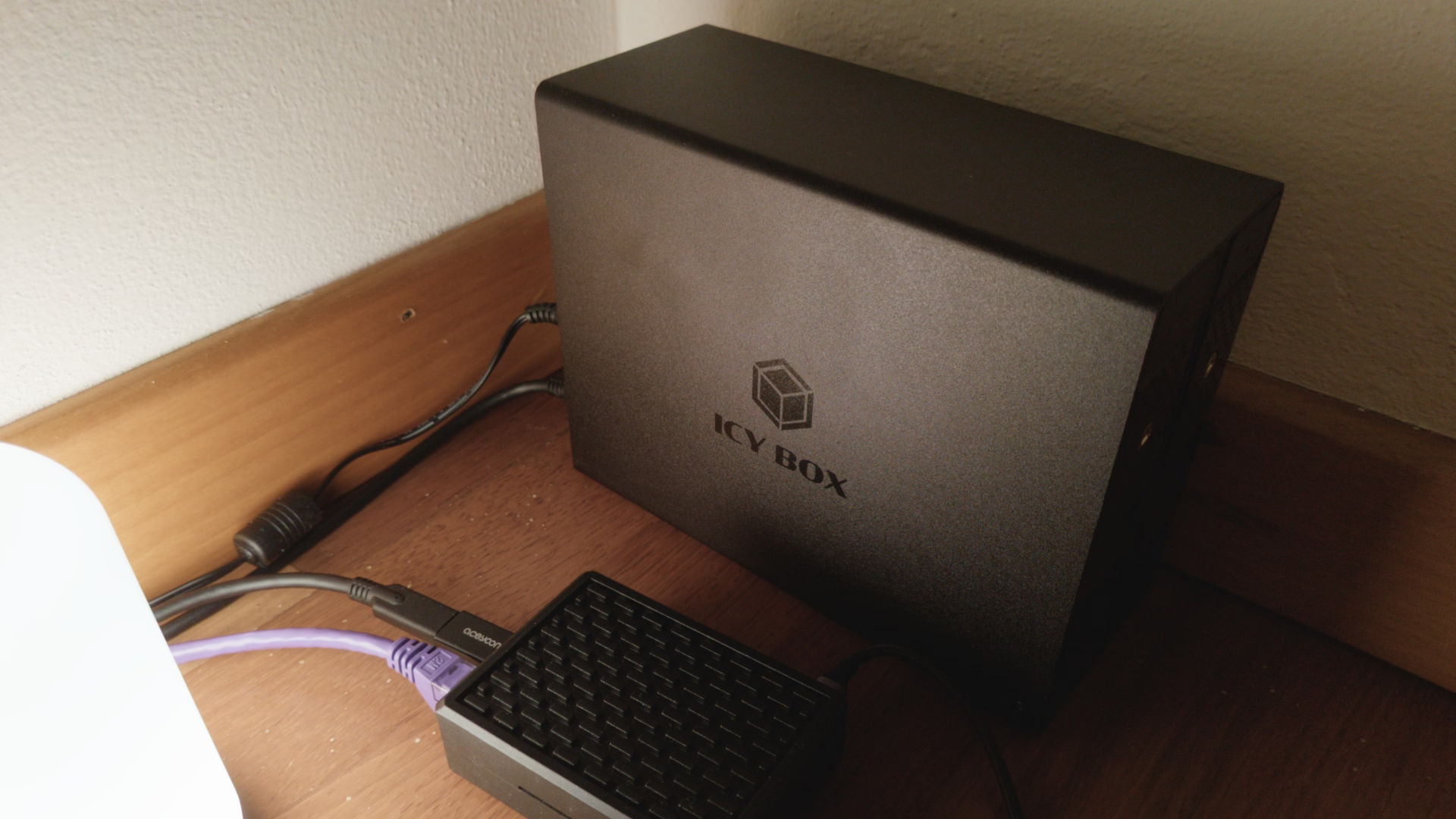
Raspberry Pi
I’ve always been attracted to the idea of self-hosting my stuff, so in 2015 I bought a Raspberry Pi 2B with 1 GB of RAM. 😁 Yes, 1 GB of RAM was enough to run a lightweight system, in the end I just had to run Openmediavault (more about it later).
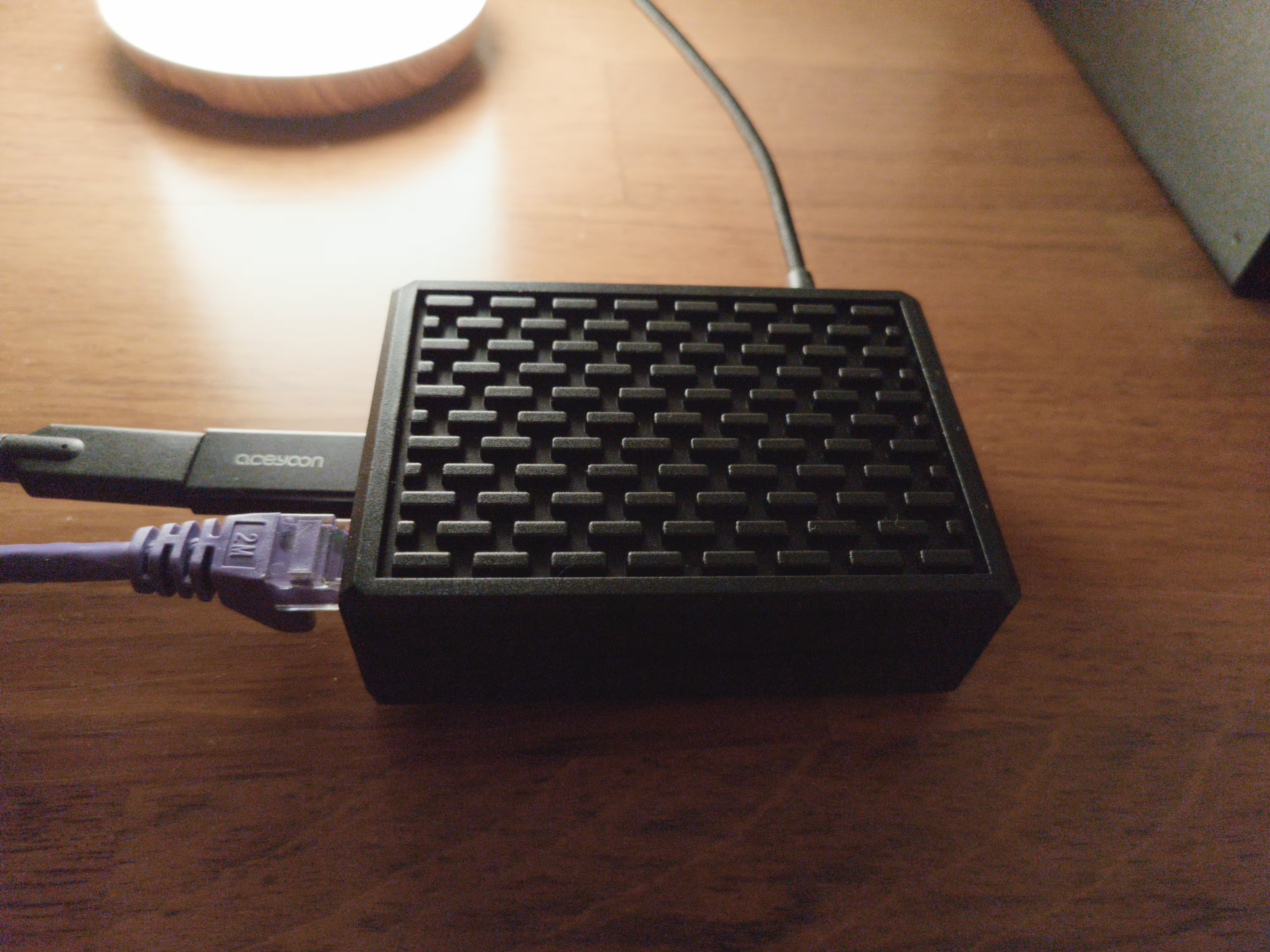
Then the version 4 of the board came out, so I bought a Raspberry Pi 4B with 2 GB of RAM. It was faster than the previous version, and had more RAM memory so I could afford to load more things.
Openmediavault
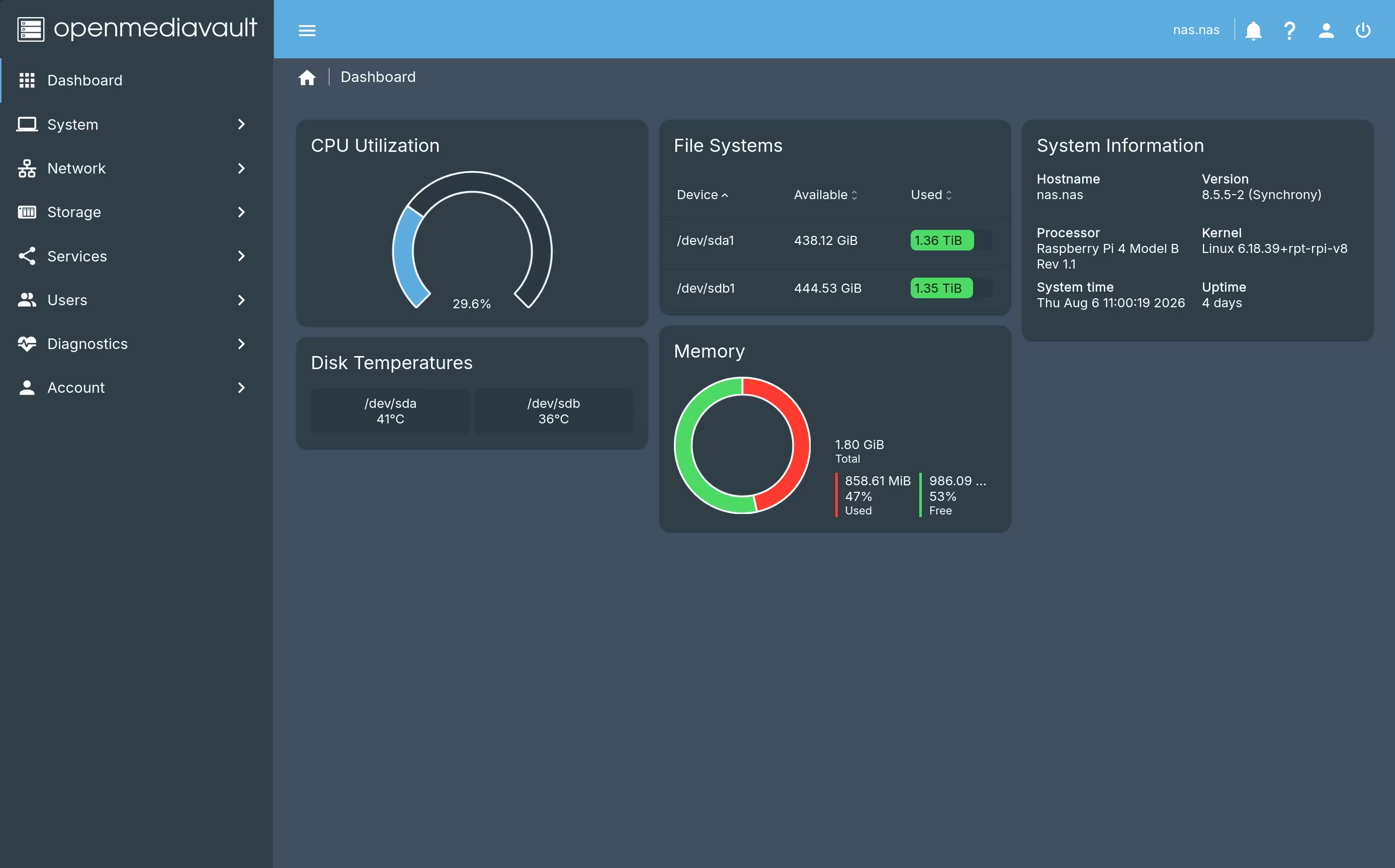
So I gave a try at OpenMediaVault, an open-source NAS program for Debian Linux. Openmediavault allows to manage connected drives and create shared folders via Samba and other protocols, all easily manageable through a simple web UI.
Openmediavault is very polished and works flawlessly on Debian and on some single board computers like the Raspberry.
The UI is easy and intuitive, you can easily manage your drives, I connected two 2 TB hard disks (made for nas) via USB 3.0 to the Raspberry, and the throughput I get is enough for my needs, but I might consider upgrading hardware in the future for faster speeds.
One of the two hard disks is the main one I use every day, the other is for weekly backups with Rsync, I set up it this way because that’s for my needs.
Jellyfin
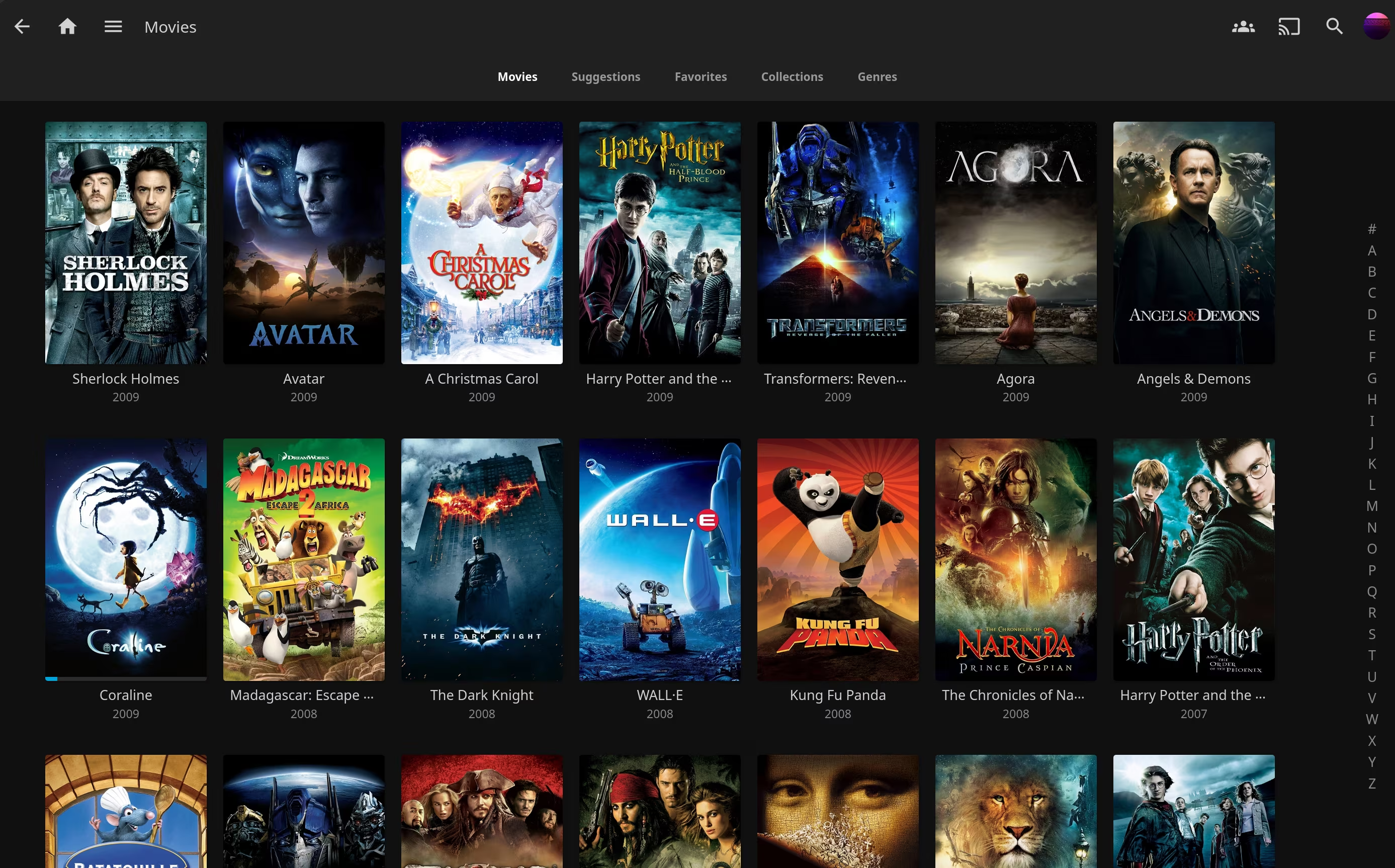
Another piece of software I always wanted was some sort of Netflix/Spotify open-source and self-hosted alternative, this is when I discovered Jellyfin. 😊
Jellyfin scans your movies and music library and creates a database of those, it identifies movies and automatically downloads the appropriate poster and other images for them.
This makes it easy and convenient to watch the movies you own, without having to rely on external streaming platforms.
I extracted mine from the DVDs and Blu-rays I personally bought, and remuxed them using MakeMKV.
Then I converted them to AV1 to make the files smaller without losing too much quality.
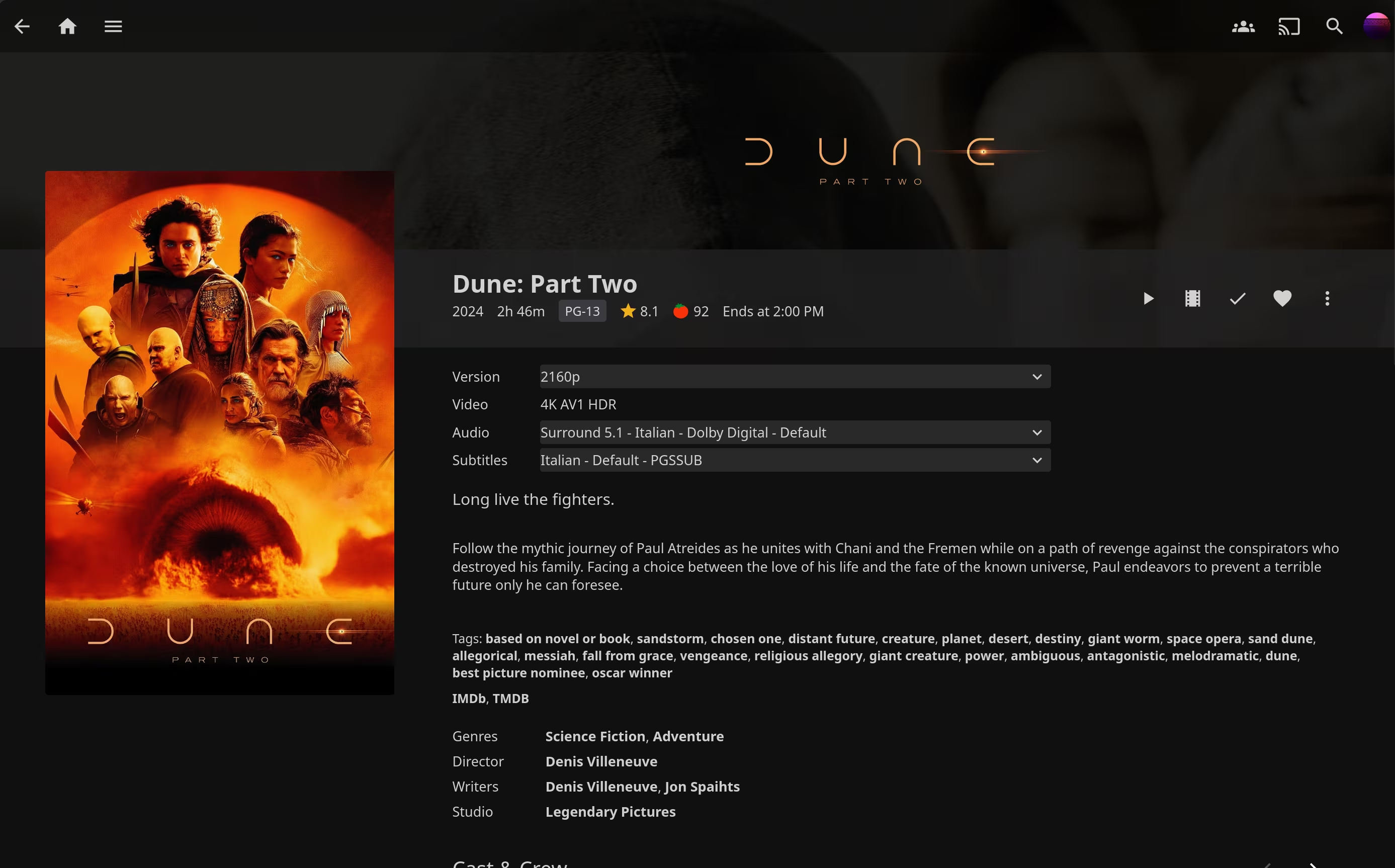
To watch the remuxed movies you just select the film and hit play, it’s that easy and simple on Jellyfin.
You’ll get the plot and cast info of the film, and you can also add extras if present in the DVD or Blu-ray.
You can also play your music albums from Jellyfin, in fact this is the exact reason why I’m using it every day, I like listening to music while I work, and having it stored just in a single place and being able to stream from any of my devices is soo nice! 😆
Tailscale
Tailscale is the last piece of the puzzle and the third service running on my NAS.
This is the piece of software that allows me to access the NAS from outside, even on my phone.
Once set up it works like magic! I can access all my NAS documents, movies and music from wherever I am on planet Earth! 😃